01
See time, not a timer
A signature progress ring shows exactly when each TOTP code will refresh.
 Spot Auth
Spot Auth turns your one-time codes into a clear, living grid. Find the right account, see its remaining time, and copy — in seconds.
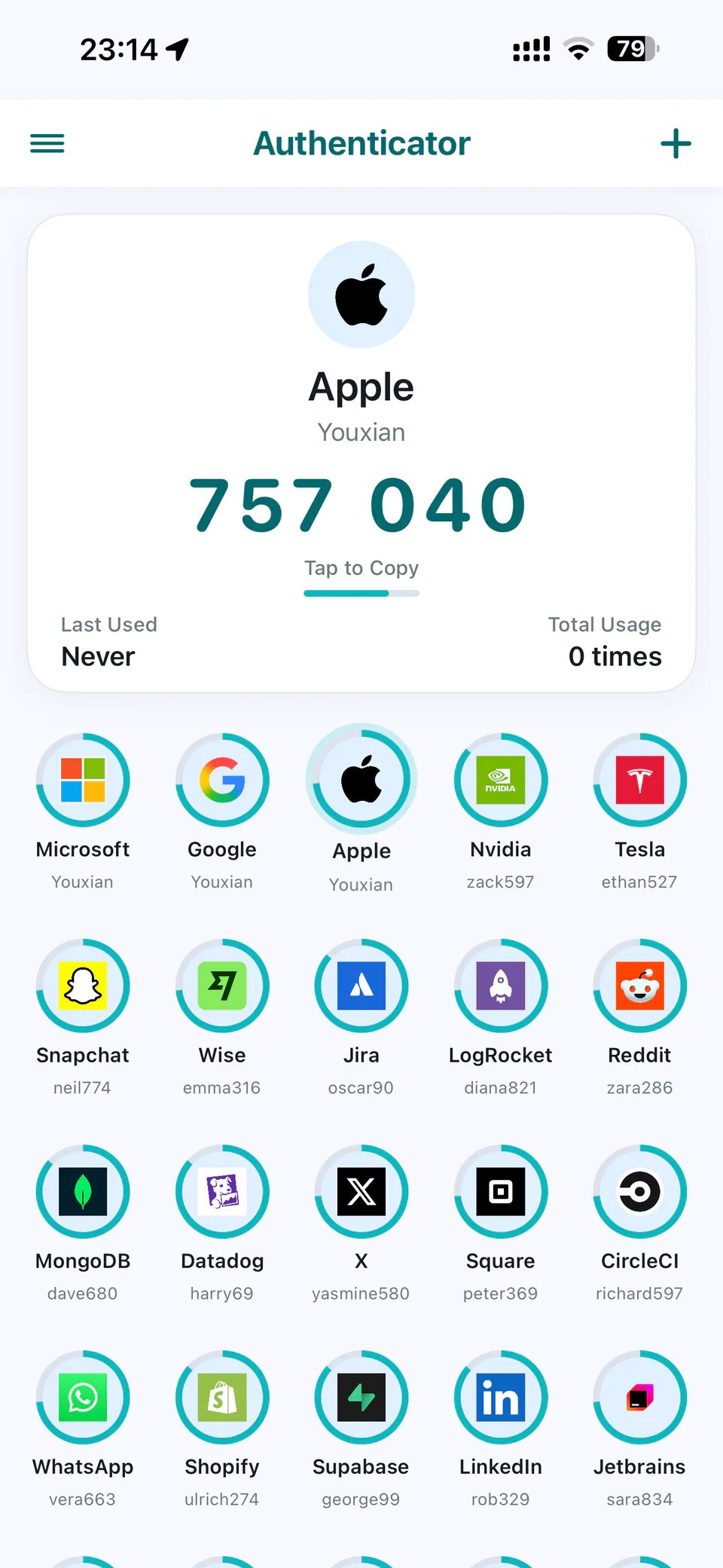
A privacy-first authenticator with deliberate motion, fast scanning, and practical migration tools.
A signature progress ring shows exactly when each TOTP code will refresh.
Choose an account from the grid and copy the large code from the same screen.
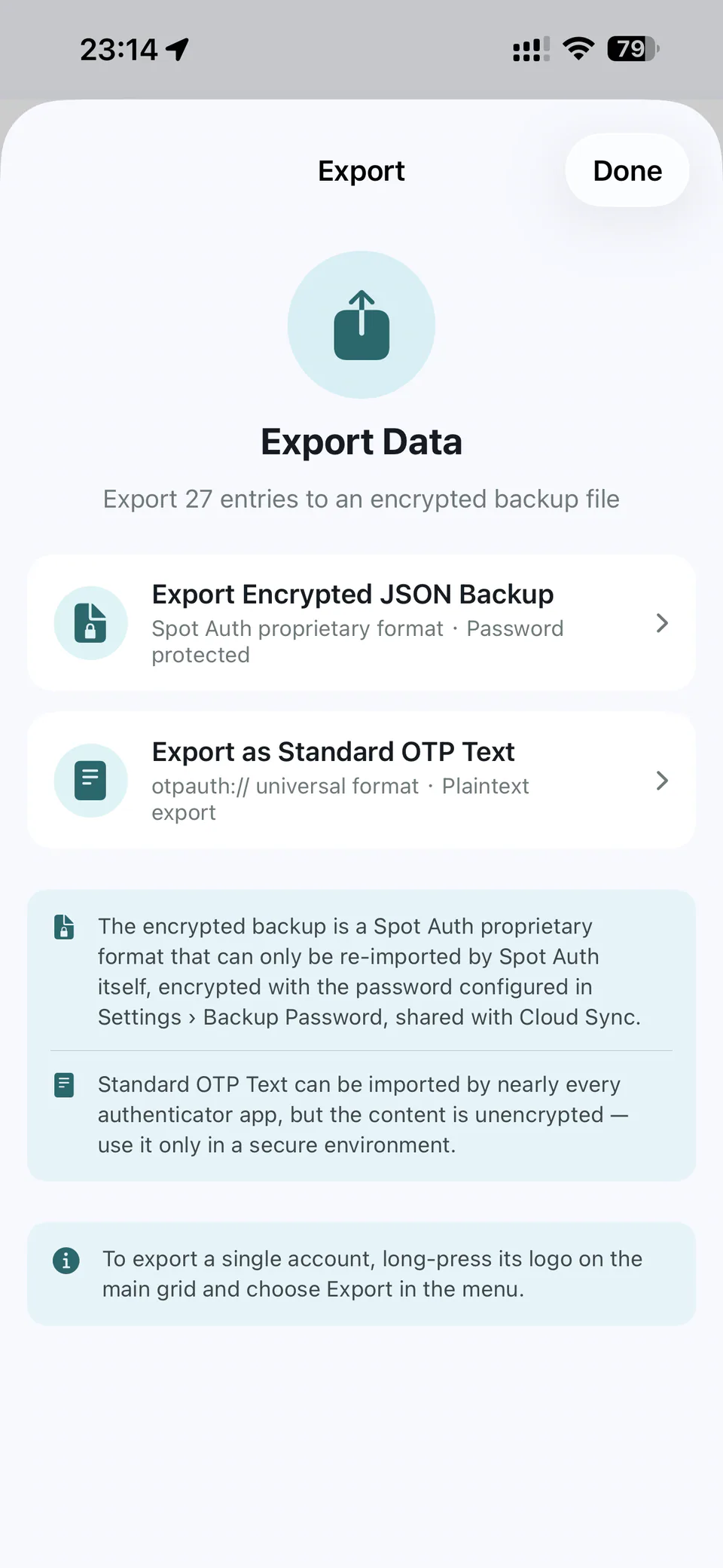
Scan QR codes or import from Google Authenticator, Aegis, 2FAS, CSV, JSON, and otpauth links.
Secrets are encrypted with AES-256-GCM and stored in the device Keychain.
Optional encrypted sync uses your iCloud Drive or your own WebDAV storage.
Code generation is local. Network icons and cloud sync can be disabled at any time.
Generate standards-based TOTP and HOTP codes, create an otpauth QR, test clock drift, and export repeatable vectors. Every calculation stays in your browser.
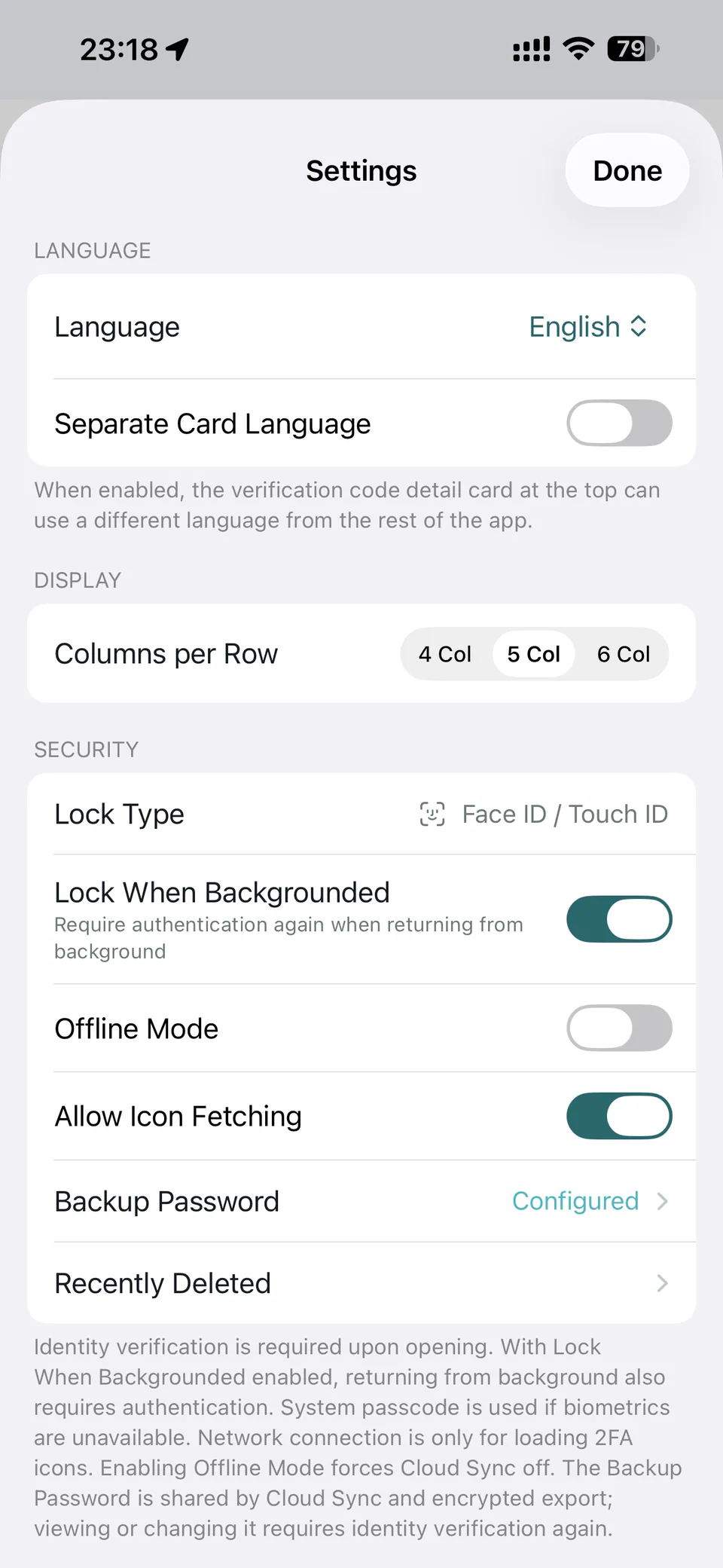
The golden-ratio layout keeps the selected code above and your complete account grid below — no hunting through lists.
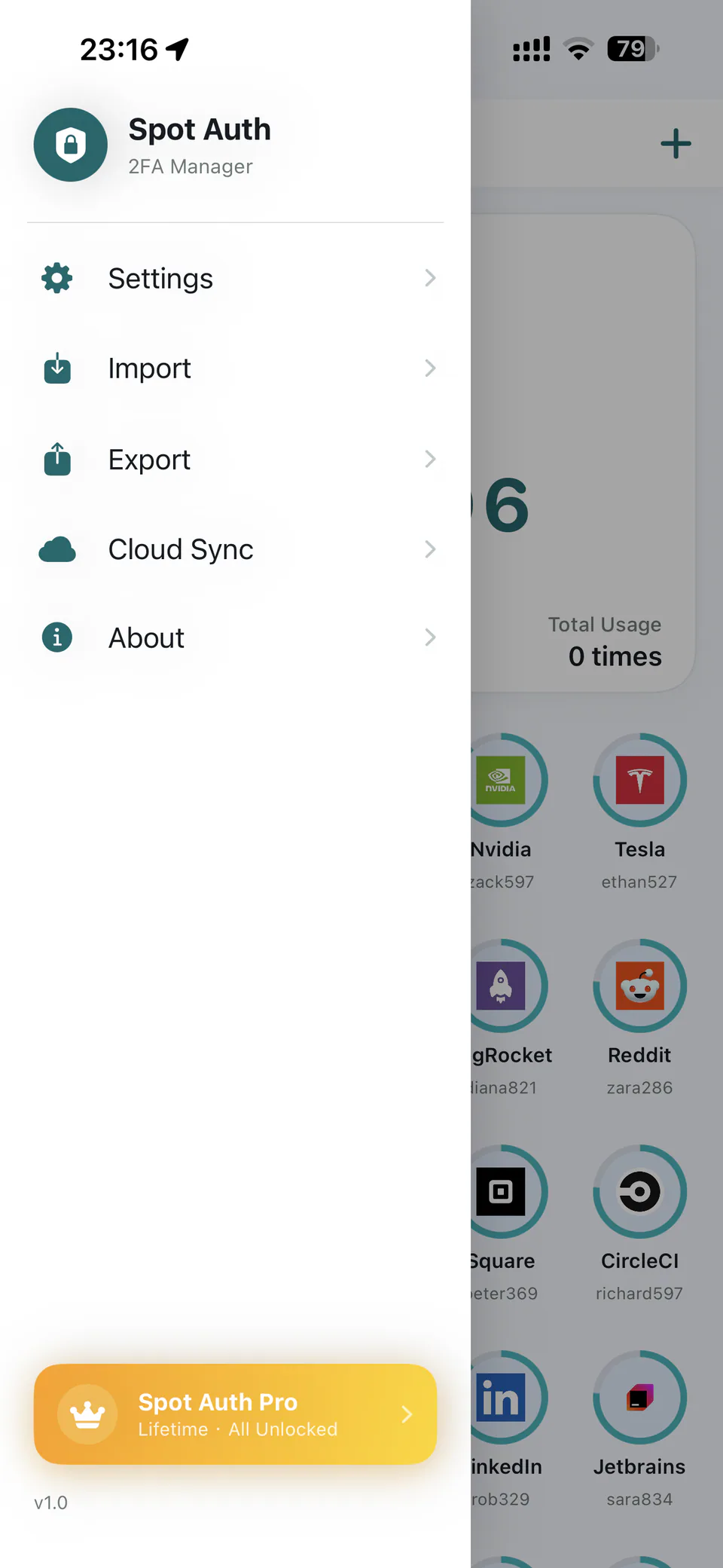
From your code grid and imports to sync, export, navigation, and settings — every preview follows the language you select.
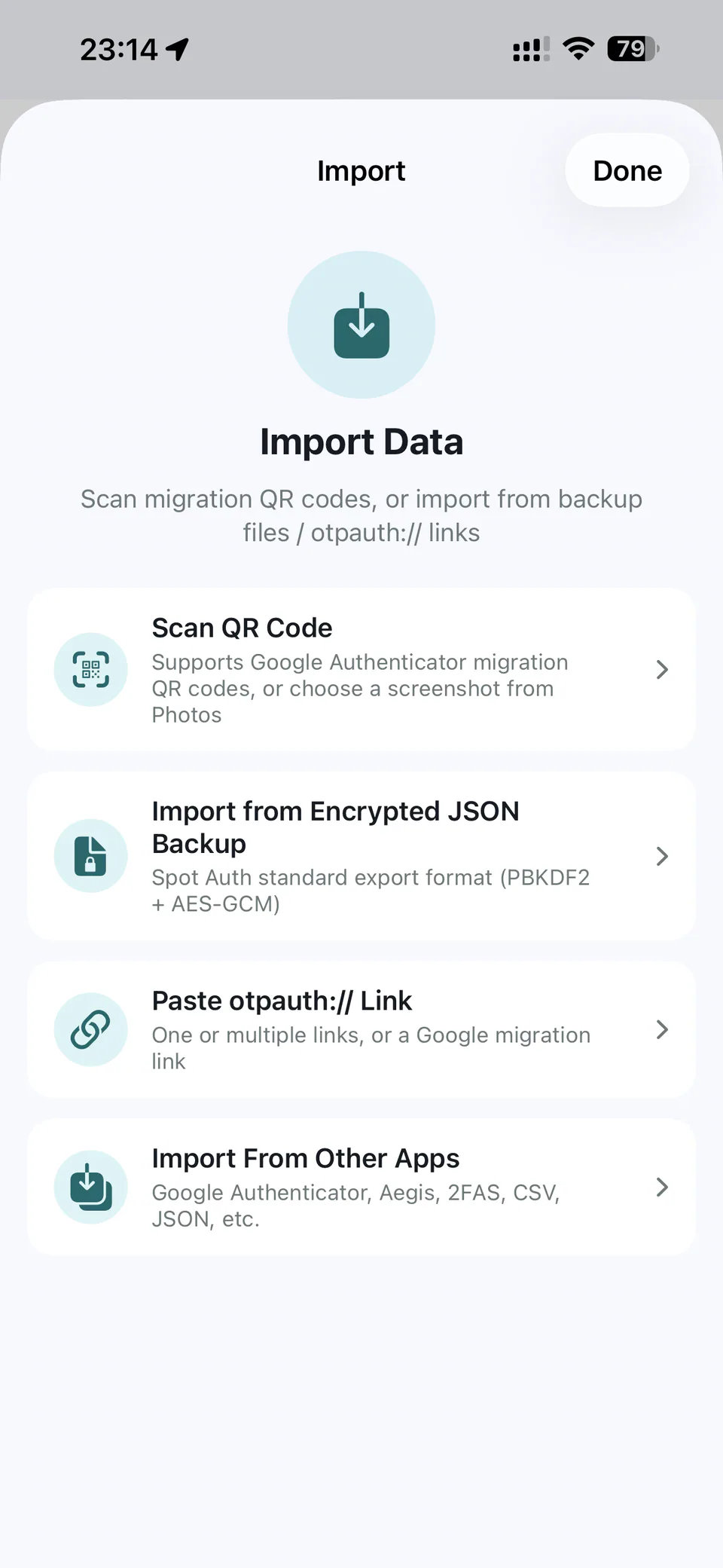
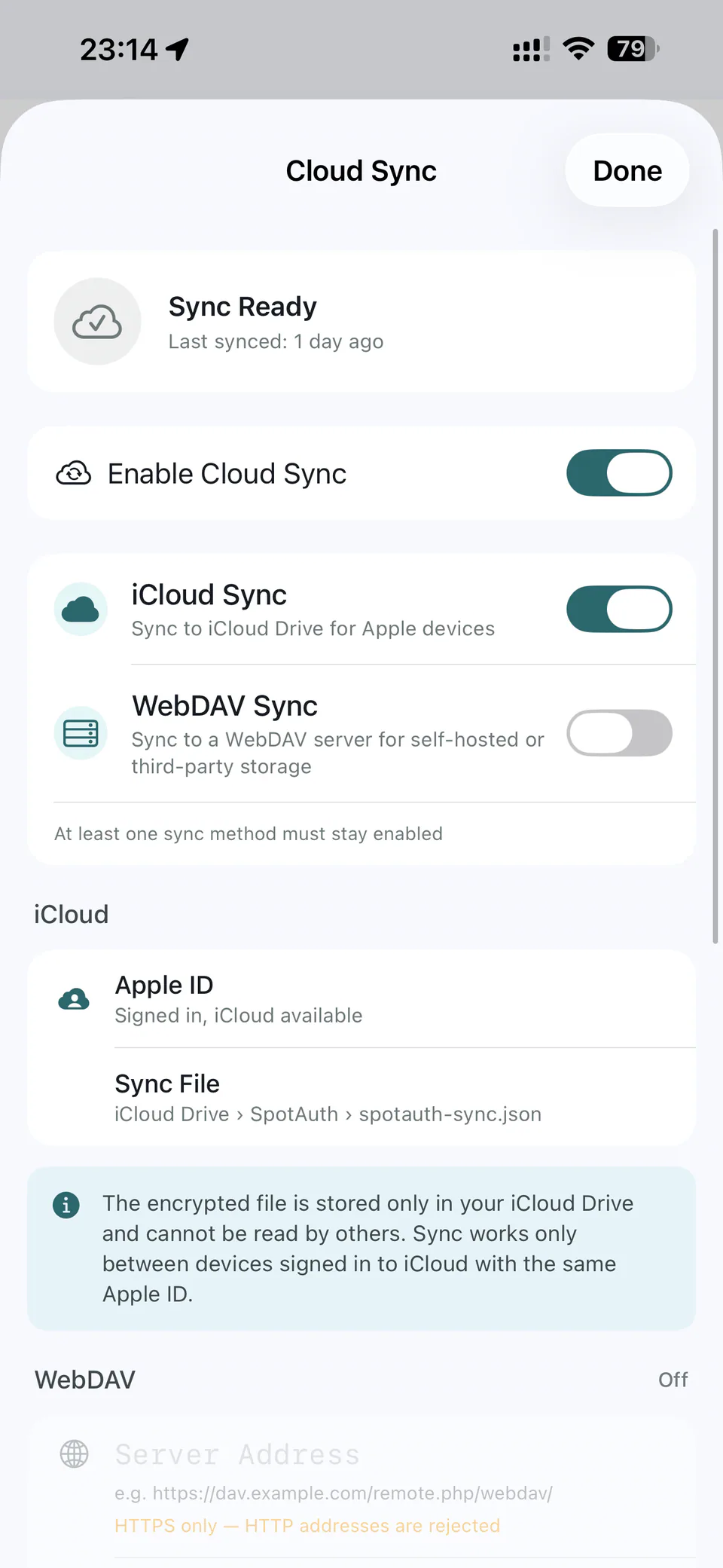
Spot Auth has no official account system and no official data server. Core code generation stays on your device.
OTP secrets are kept separate from ordinary app metadata and encrypted at rest.
Face ID, Touch ID, or the device passcode protects access when the app opens.
Standard OTP formats and exports help you move without being locked into one app.
Spot Auth for iPhone is available now. Android and Chrome are being prepared so your secure workflow can follow you everywhere.
No. Core use requires no Spot Auth account and no official server.
On your device, encrypted with AES-256-GCM and stored in Keychain. Optional sync writes an encrypted file to storage you choose.
Check the selected account, confirm the secret was entered correctly, and make sure your phone time is set automatically.
Yes. Create an encrypted backup or enable cloud sync first, then import on the new device.
Spot Auth for iPhone is available now on the App Store. Android and Chrome links will appear here when ready.
Available nowApp Store↗